Preloader
  • Follow Us On :
Request Demo Class Join Free Seminar
img
Course includes:
  • img Level Advanced
  • img Hours 16
  • img Total Class 8
  • img Certifications Yes
Share this course:

Administering Windows Powershell

  • 12 Jan 2026
  • ___ Students

COURSE OVERVIEW

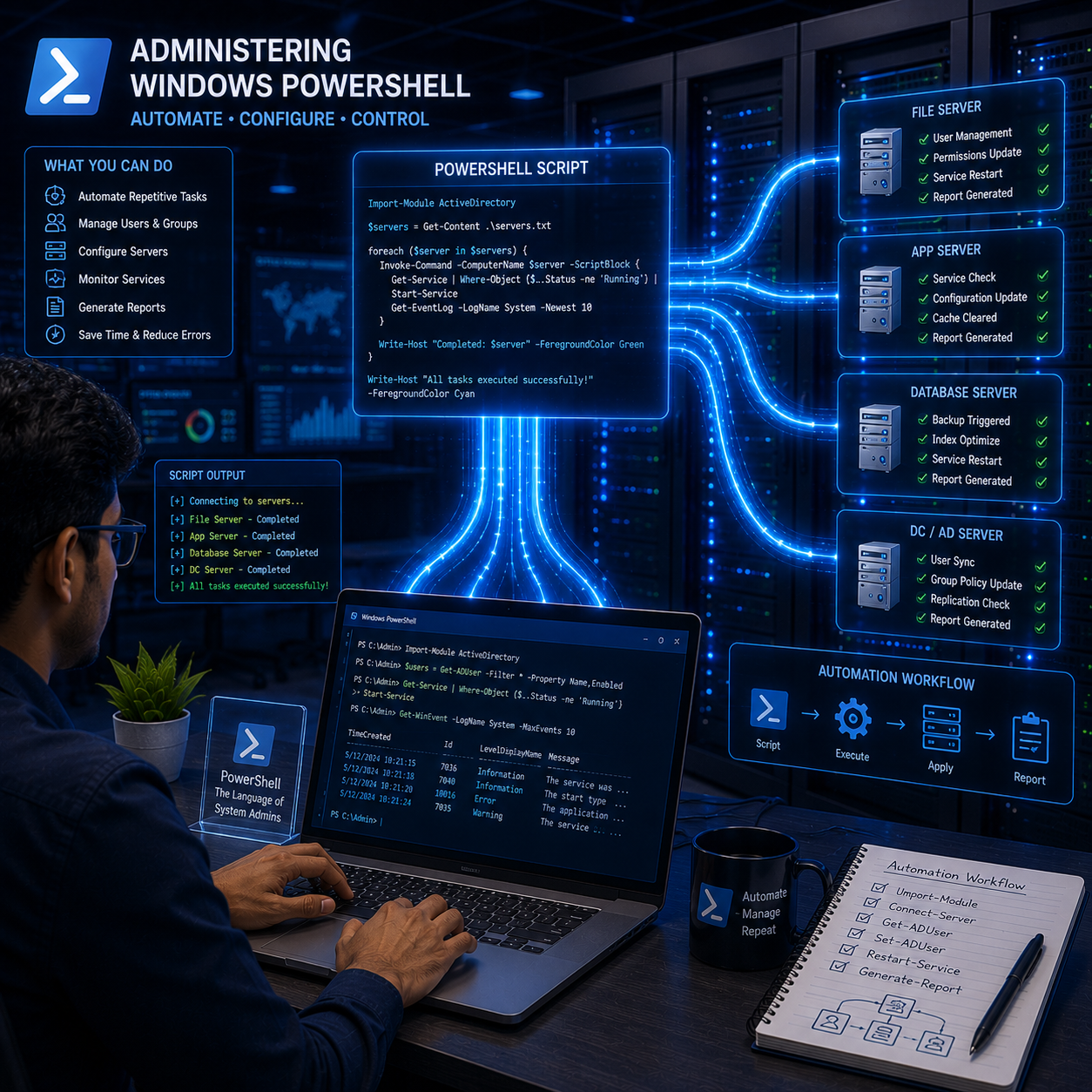
Accelerate your IT career with our Administering Windows PowerShell Training! Gain expert-led guidance and hands-on experience to automate Windows Server management tasks, streamline administration, and boost your efficiency. Prepare confidently for certification and real-world challenges with 24/7 lab access and practical exercises. Enroll today to master PowerShell scripting and administration!

Course Curriculum

  • System administrators wanting to automate Windows management 
  • IT professionals aiming to enhance scripting and automation skills 
  • Network and infrastructure engineers responsible for Windows Server maintenance 
  • Support technicians expanding their troubleshooting capabilities 
  • Students preparing for Microsoft certification exams involving PowerShell


  • Basic understanding of Windows operating systems
  • Familiarity with Windows Server concepts is helpful but not mandatory 
  • Basic knowledge of scripting or programming concepts is beneficial 
  • General understanding of networking and system administration fundamentals

  • Windows System Administrator 
  • IT Automation Engineer 
  • Infrastructure Engineer 
  • DevOps Engineer (Windows focused) 
  • Support Specialist with automation skills

  • PowerShell basics: cmdlets, scripts, and modules 
  • Understanding the PowerShell console and ISE 
  • Managing files, folders, and processes using PowerShell 
  • User and group management automation 
  • Configuring and administering Windows services 
  • Managing registry and event logs 
  • Working with PowerShell Remoting and sessions 
  • Automating Active Directory tasks 
  • Using PowerShell to manage Windows updates and patches 
  • Scripting error handling and debugging 
  • Creating reusable scripts and functions 
  • Using PowerShell for system monitoring and reporting 
  • Integrating PowerShell with other tools and APIs 
  • Preparing for Microsoft PowerShell certification exams

  • Windows System Administrator 
  • IT Automation Engineer 
  • Infrastructure Engineer 
  • DevOps Engineer (Windows Focused) 
  • Cloud & Virtualization Engineer 
  • Active Directory Administrator 
  • IT Operations Specialist 
  • Server Support Engineer 
  • Scripting & Automation Specialist 
  • Technical Support Engineer (Advanced) 

  • Real-world scenario-based labs
  • Troubleshooting Windows Server services and roles
  • Cloud integration with Microsoft Azure (optional)
  • Firewall and security policy configuration
  • VPN and secure remote access setup
  • Configuring role-based access and user permissions
  • Monitoring server performance and analyzing event logs
  • Backup and restore operations
  • PowerShell scripting for server administration and automation
  • Implementing quotas and Distributed File System (DFS)
  • Storage Spaces, file shares, and NTFS permission management
  • Configuring virtual networks and switches
  • Hyper-V virtual machine creation and management
  • DHCP configuration and troubleshooting
  • DNS configuration, zone and record management
  • Group Policy Objects creation, deployment, and management
  • Creating and managing users, groups, and organizational units
  • Active Directory Domain Services deployment and management
  • Configuring server roles and features
  • Windows Server installation and setup

Upon completion, students are prepared for vendor and professional certifications: ï‚·  

  • Certification Name: Microsoft Certified: Windows Server Hybrid Administrator Associate
  • Exam Code: MS-100 / MS-500 (depending on focus)
  • Exam Duration: 120 minutes
  • Exam Format: Multiple-choice, case studies, scenario-based questions, lab simulations
  • Exam Location: Online or Microsoft Authorized Testing Centers
  • Exam Languages: English (others may be available)
img

Mark Jukarberg

UX Design Lead

(4.8 Ratings)

Dorem ipsum dolor sit amet, consectetur adipiscing elit, sed do eiusmod tempor incididunt ut labore et dolore magna aliqua Quis ipsum suspendisse ultrices gravida. Risus commodo viverra maecenas accumsan.

Reviews

4.8
12 Ratings
5
2
4
1
3
0
2
0
1
0
img
Jura Hujaor 2 Days ago

The best LMS Design System

Maximus ligula eleifend id nisl quis interdum. Sed malesuada tortor non turpis semper bibendum nisi porta, malesuada risus nonerviverra dolor. Vestibulum ante ipsum primis in faucibus.