Preloader
  • Follow Us On :
Request Demo Class Join Free Seminar
img
Course includes:
  • img Level Advanced
  • img Hours 96
  • img Total Class 48
  • img Certifications Yes
Share this course:

Windows System Administration of IT Infrastructure

  • 12 Jan 2026
  • ___ Students

COURSE OVERVIEW

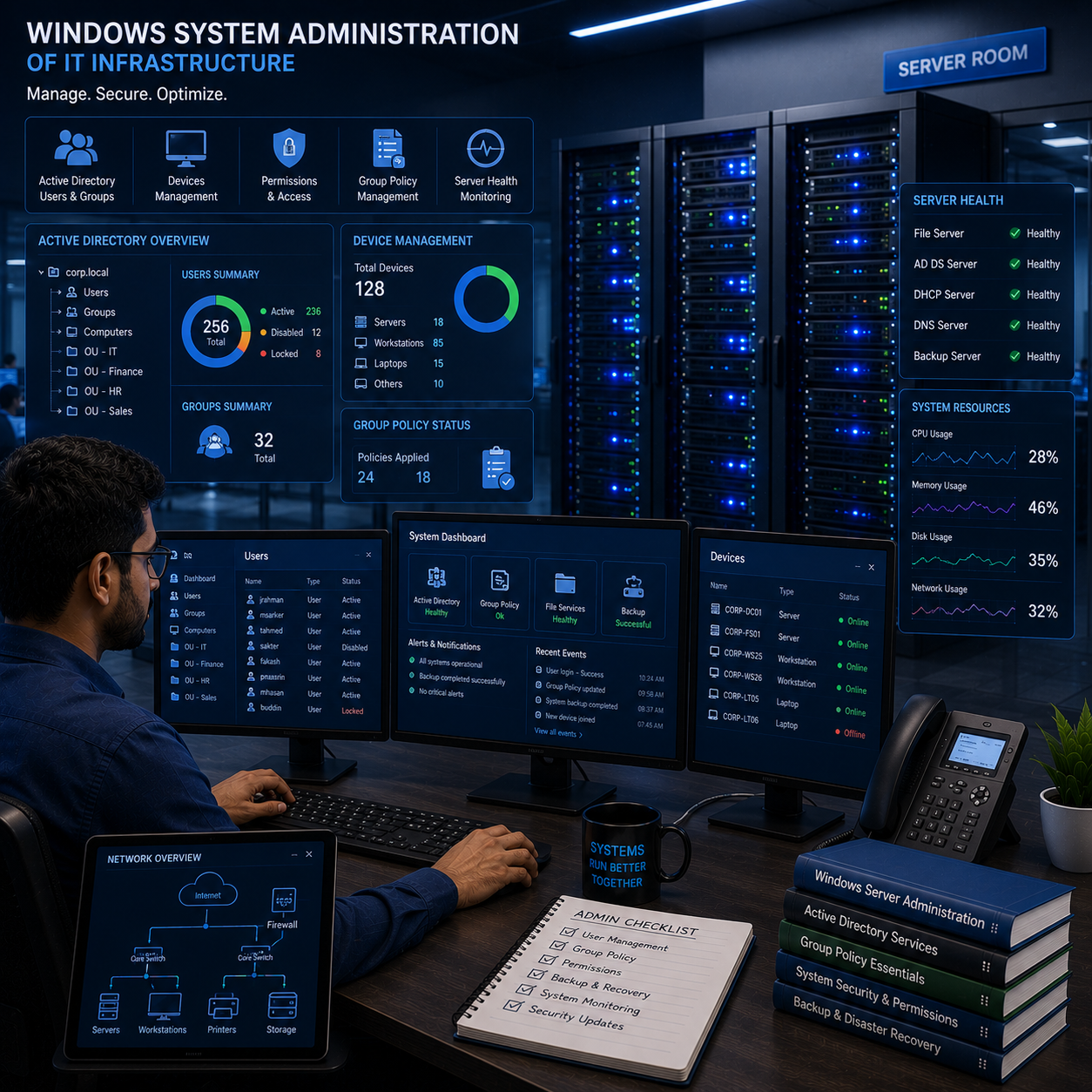
The Windows System Administration Diploma is a comprehensive, hands-on program designed to prepare you for real-world IT infrastructure roles. This course covers Windows Server administration, automation with PowerShell, enterprise system management, and professional interview preparation, with a strong emphasis on cybersecurity best practices. 
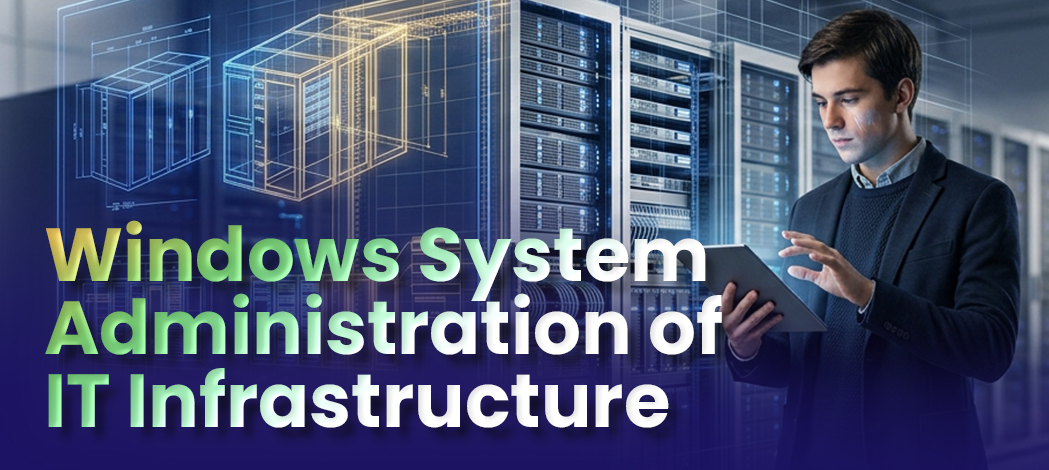
Through expert-led sessions, live labs, and real-world projects, you'll gain the confidence and technical expertise to manage enterprise Windows environments and protect them from modern security threats.

Course Curriculum

  • Aspiring Windows System Administrators 
  • IT professionals seeking to upgrade skills in Windows Server & automation 
  • Network & Infrastructure Engineers managing enterprise systems 
  • Help Desk Technicians aiming to move into system administration 
  • Students preparing for Microsoft certifications 
  • Anyone looking to combine system administration and cybersecurity skills

  • Basic understanding of computer hardware & operating systems 
  • Familiarity with networking concepts (TCP/IP, DNS, DHCP) 
  • Understanding of Active Directory is helpful but not required 
  • Prior experience with Windows desktop OS recommended

Graduates can apply for roles such as: 

  • Windows System Administrator 
  • Network Administrator 
  • IT Automation Engineer 
  • Cloud & Hybrid Infrastructure Administrator 
  • IT Support Specialist 
  • Cybersecurity-aware Infrastructure Engineer

WINDOWS SYSTEM ADMINISTRATION OF IT INFRASTRUCTURE COURSE COVERED

  • MODULE 1 : ADMINISTERING WINDOWS SERVER
  • MODULE 2 : ADMINISTERING WINDOWS POWERSHELL
  • MODULE 3 : ADMINISTERING WINDOWS SYSTEM (SPECIAL MODULE)
  • MODULE 4 : INTERVIEW PREPARATION & GROOMING (WINDOWS)

MODULE 1 : ADMINISTERING WINDOWS SERVER 

  • Installing & configuring Windows Server (2016, 2019, 2022)
  • Active Directory Domain Services (AD DS) setup & management 
  • Group Policy creation & centralized administration 
  • DNS and DHCP configuration & troubleshooting 
  • Virtualization with Hyper-V 
  • File, print, and storage services 
  • PowerShell basics for server automation 
  • Backup & disaster recovery planning

MODULE 2 : ADMINISTERING WINDOWS POWERSHELL 

  • Cmdlets, scripts, and modules 
  • File, folder & process management 
  • Automating user & group operations
  • Managing Windows services and registry 
  • Remote server management with PowerShell Remoting 
  • Automating Active Directory tasks 
  • Error handling, debugging & script scheduling 
  • System reporting & monitoring

MODULE 3 : ADMINISTERING WINDOWS SYSTEM (SPECIAL MODULE) 

  • Advanced Group Policy & automation techniques 
  • BitLocker encryption & security baselines 
  • Failover clustering & high availability setup 
  • Hybrid cloud integration with Microsoft Azure 
  • Performance monitoring & optimization 
  • Disaster recovery strategy design

MODULE 4 : INTERVIEW PREPARATION & GROOMING (WINDOWS) 

  • Mock technical & HR interviews 
  • Resume & LinkedIn profile optimization for IT roles 
  • Scenario-based troubleshooting exercises 
  • Presenting technical solutions clearly 
  • Workplace communication & email etiquette


  • Windows System Administrator 
  • Network Administrator 
  • IT Infrastructure Engineer 
  • Cloud & Hybrid Infrastructure Administrator 
  • IT Automation Engineer 
  • Help Desk to System Administrator 
  • Technical Support Specialist 
  • Cybersecurity-aware System Administrator 
  • Server Support Engineer 
  • Junior Cloud Administrator

MODULE 1 : ADMINISTERING WINDOWS SERVER 

  • Deploying AD DS & creating user accounts
  • Implementing Group Policy Objects (GPO)
  • Configuring DNS/DHCP services
  • Setting up & managing Hyper-V VMs
  • Applying security hardening measures

MODULE 2 : ADMINISTERING WINDOWS POWERSHELL 

  • Automating bulk user account creation
  • Managing remote servers with PowerShell
  • Scheduling scripts via Task Scheduler 
  • Generating automated reports

MODULE 3 : ADMINISTERING WINDOWS SYSTEM (SPECIAL MODULE) 

  • Configuring BitLocker for enterprise servers
  • Setting up failover clustering
  • Integrating Windows Server with Azure Backup
  • Simulating and recovering from system failures

MODULE 4 : INTERVIEW PREPARATION & GROOMING (WINDOWS) 

  • Real-time troubleshooting simulations 
  • Live mock interviews with feedback
  • Technical presentation practice 

CERTIFICATION PREPARATION 
This course rigorously prepares you for the following industry-recognized certifications: 

Relevant Microsoft Certifications:

  • Microsoft Certified: Windows Server Hybrid Administrator Associate 
  • Microsoft Certified: Azure Administrator Associate 
  • Microsoft Certified: PowerShell Associate (or equivalent automation certifications)
img

Mark Jukarberg

UX Design Lead

(4.8 Ratings)

Dorem ipsum dolor sit amet, consectetur adipiscing elit, sed do eiusmod tempor incididunt ut labore et dolore magna aliqua Quis ipsum suspendisse ultrices gravida. Risus commodo viverra maecenas accumsan.

Reviews

4.8
12 Ratings
5
2
4
1
3
0
2
0
1
0
img
Jura Hujaor 2 Days ago

The best LMS Design System

Maximus ligula eleifend id nisl quis interdum. Sed malesuada tortor non turpis semper bibendum nisi porta, malesuada risus nonerviverra dolor. Vestibulum ante ipsum primis in faucibus.