IT Support & Services
COURSE OVERVIEW
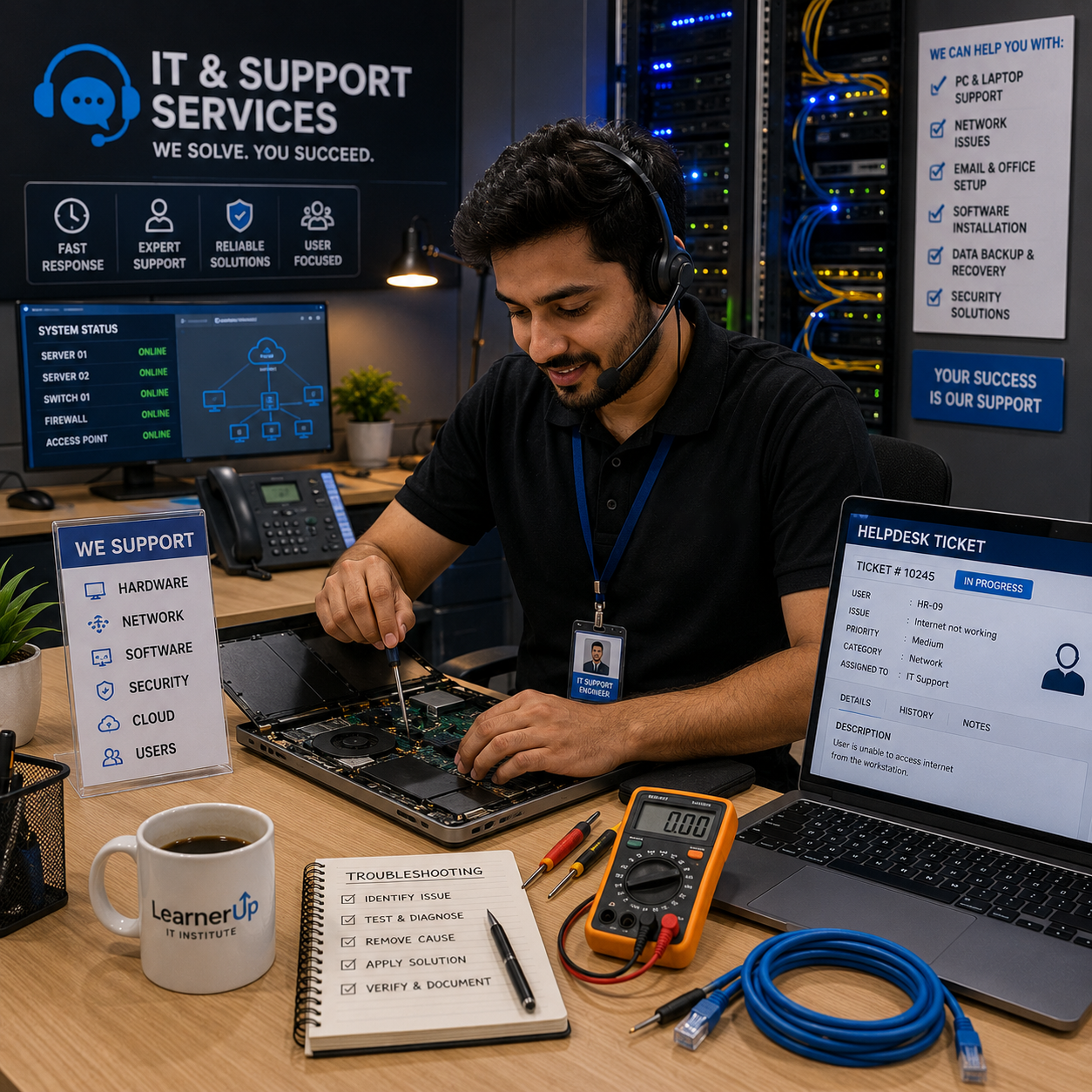
The IT & Support Services course is an all-in-one foundational program tailored for individuals who want to enter the world of information technology without prior experience. Covering computer hardware, operating systems, networking basics, printers, security, and customer service, this course ensures students develop real-world technical support skills required in today's job market.
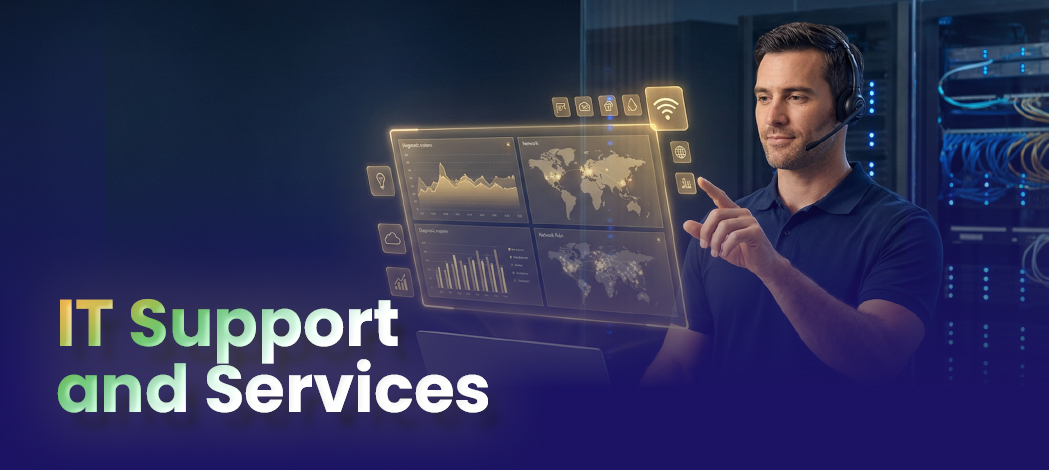
This program is ideal for individuals aiming to work in IT support, desktop engineering, field services, or help desk roles. The training emphasizes practical skills through hands-on labs, real troubleshooting cases, and instructor-led sessions, providing a strong base for further certifications like CompTIA A+, CCNA, or Microsoft MTA/MD-100.
Course Curriculum
- Beginners or students with no formal IT background
- Technical support representatives (Call Center/BPO)
- Diploma students in Electrical, Computer, or Telecommunication
- Freelancers or home/office IT setup professionals
- Junior IT Technicians and Field Engineers
- Career switchers aiming to enter the IT industry
- Basic computer literacy
- Passion for learning technical skills
- No advanced IT knowledge required
Upon course completion, learners can apply for roles such as:
- IT Support Technician
- Desktop Support Engineer
- Service Desk Analyst
- Field Service Technician
- Hardware Repair Technician
- Junior Network Support
- Freelance Home/Office IT Setup Expert
- INTRODUCTION TO IT SUPPORT
Overview of IT Support Roles (Help Desk, Field Tech, Remote Support)
Understanding Tier 1, 2, and 3 Support
Career Roadmap in IT Services - COMPUTER HARDWARE ESSENTIALS
Components: Motherboard, RAM, SSD/HDD, PSU, CPU
Input / Output Devices and Interfaces
Types of Storage, RAM, and Processor Architectures
Identifying Hardware Faults and Indicators - PC ASSEMBLY AND LAPTOP REPAIR
Hands-on: Assembling a PC from Scratch
Diagnosing Hardware Failures
Laptop Teardown, RAM/HDD Replacement
Cleaning, Thermal Paste, and Maintenance - BIOS/UEFI & BOOT CONFIGURATION
Accessing and Navigating BIOS/UEFI
Boot Order and Legacy/UEFI Modes
Password Protection and TPM Concepts
Updating BIOS and Troubleshooting Boot Errors - OPERATING SYSTEM INSTALLATION
Installing Windows 10/11 (Standard & Customized Installations)
Creating Bootable Media and Imaging Tools
Partitioning, Formatting, Dual Boot
Common Installation Errors and Solutions - WINDOWS SYSTEM CONFIGURATION
Post-install Setup: Drivers, Updates, Licensing
Control Panel, Settings, and Administrative Tools
Windows Activation and Digital Licensing - DEVICE DRIVER MANAGEMENT
Installing, Updating, and Rolling Back Drivers
Troubleshooting Non-Functional Devices
Tools: Device Manager, DriverPack Solution - COMMAND LINE BASICS
Useful CMD Commands for IT Support
File Navigation, Ping, IPConfig, Netstat
Scripting Basics and Batch File Uses - APPLICATION INSTALLATION AND MANAGEMENT
Installing/Uninstalling Software
Troubleshooting Application Issues
Managing Startup Programs and Background Services - NETWORKING FUNDAMENTALS
IP Addressing, Subnetting (Basic), DHCP, DNS
Wired vs Wireless Networks
LAN Setup in a Small Office or Home Lab
Basic Router Configuration - FILE AND RESOURCE SHARING
Creating Shared Folders in Windows
Setting Permissions and Access Rights
Mapping Network Drives
Peer-to-Peer and Workgroup Setup - PRINTER AND SCANNER SUPPORT
Installing and Sharing Printers (USB, LAN, Wireless)
Printer Troubleshooting (Paper Jam, Queue, Drivers)
Network Scanning and Multi-Function Devices - PABX SYSTEMS OVERVIEW
Understanding IP and Analog PABX
Cabling and Port Mapping
Common PABX Issues and Fixes - CCTV BASICS
Types of CCTV Systems (Analog vs IP)
Configuring IP Cameras and NVR/DVR
Cabling, PoE, Storage & Mobile Viewing - WINDOWS SECURITY ESSENTIALS
Using Windows Firewall and Defender
Creating Local Policies
Enabling and Managing BitLocker Encryption
Removing Malware and Adware - CLOUD AND BACKUP SOLUTIONS
Using Google Drive, OneDrive, Dropbox
Backup Tools (Acronis, Windows Backup)
Restore and System Recovery Options - IT DOCUMENTATION AND ASSET MANAGEMENT
Creating Support Logs, Asset Tags
Tracking IT Equipment and Software
Using Excel or Open Source Tools - CUSTOMER SUPPORT AND SOFT SKILLS
Communication Skills for IT
Ticketing Systems (Zoho, Spiceworks, GLPI)
Handling Difficult Users and Escalation - REAL-WORLD SCENARIOS AND TROUBLESHOOTING
System Not Booting
Slow PC Diagnosis
Virus-Infected System Recovery
User Login and Access Issues - FINAL PROJECT & PRACTICAL ASSESSMENT
Full System Setup: Hardware + Software + Network
Documentation, Reporting, and Demonstration
- IT Support Technician
- Desktop Support Engineer
- Service Desk Analyst (Help Desk)
- Field Service Technician
- Hardware Repair Technician
- Junior Network Support Engineer
- Technical Support Specialist (Call Center/BPO IT Desk)
- System Support Technician
- PC & Laptop Repair Specialist
- Printer & Peripheral Support Engineer
- IT Field Engineer (On-site/Remote)
- CCTV & PABX Support Technician
- IT Operations Assistant
- Freelance IT Support & Home/Office IT Setup Expert
- Junior IT Systems Administrator (entry-level)
This course places heavy emphasis on practical skills, and each class includes lab-based activities such as:
- PC Build and Troubleshooting
- Installing and Configuring Windows
- Fixing Printer, Camera, and BIOS Issues
- Performing Network Cable Testing and IP Setup
- Real-Life Call Simulation: Taking IT Support Calls
- Conducting a Full PC Health Check for a Client
Upon completion, students are prepared for vendor and professional certifications:
- Certification name: CompTIA IT Fundamentals (ITF+)
- Focus: Basic IT literacy and support skills.
- Format: 75 multiple-choice questions.
- Duration: 60 minutes.
- Passing Score: 650/900.
- Delivery: Pearson VUE.
Mark Jukarberg
UX Design LeadDorem ipsum dolor sit amet, consectetur adipiscing elit, sed do eiusmod tempor incididunt ut labore et dolore magna aliqua Quis ipsum suspendisse ultrices gravida. Risus commodo viverra maecenas accumsan.